GCLI2API Dashboard
Memuat...- Gemini Cloud Assist API
- Gemini for Google Cloud API
Remarks:Instead of manually enabling the API, these configuration steps are automated to make the certification process smoother.
Certification link:
- Clicking the authentication link above will open the Google OAuth page in a new window
- Complete Google Account login and authorization
- After successful authorization, you will be redirected to the localhost: 11451 success page
- Close the OAuth window and return to this page
- Click the "Get Certification" button below to complete the process
Certification Document Contents:
Get Google Antigravity credentials
Antigravity Certification Link:
- Complete Google Authorization in a new window by clicking the Authentication link above
- After successful authorization, you will be redirected to the localhost success page
- Close the OAuth window and return to this page
- Click the "Get Credentials" button below to complete the process
Antigravity voucher content:
Bulk upload of authentication documents
Supports bulk upload of GCLI and Antigravity certified documents
📤 GCLI Voucher Bulk Upload
Click to select a file or drag a file to this area
Supports .json and .zip files
The zip file automatically extracts the JSON credentials in it
Selected files:
Upload progress:
0%
📤 Antigravity Credential Bulk Upload
Click to select a file or drag a file to this area
Supports .json and .zip files
The zip file automatically extracts the JSON credentials in it
Selected files:
Upload progress:
0%
GCLI Credential File Management
Manage all GCLI certification documents, view status and perform actions
| OpenAI Format | |
| Claude Format | |
| Gemini Format | |
Click the "Verify" button on each voucher to re-acquire the Project ID and view the tier (free/pro/ultra) of the account.
403 error can be restored if the ✅ verification is successfulto get your vouchers back to work.
This feature is recommended for 403 errors.
Click the Settings Preview button for each voucher to configure the Preview channel.
✅ Setting up a preview resolves an issue with 404 when some credentials call the preview model。
It is recommended to use this feature when a model such as gemini-3-pro-preview is called and encounters a 404 error.
Batch Operation
Antigravity Credential File Management
Manage all Antigravity certification documents, view status and perform actions
| OpenAI Format | |
| Claude Format | |
| Gemini Format | |
Click the "Verify" button on each voucher to re-acquire the Project ID and view the tier (free/pro/ultra) of the account.
403 error can be restored if the ✅ verification is successfulto get your vouchers back to work.
This feature is recommended for 403 errors.
Batch Operation
Configuration Management
Manage system configuration parameters, changes take effect immediately
config of connection
Basic configuration
Endpoint Configuration
Automatic ghosting configuration
Retry Configuration
Compatibility Configuration
Skills Needed:Enable this option when the model does not return content or returns an empty response when encountering streaming.
Skills Needed:In some cases, streaming APIs are more stable than non-streaming APIs, enabling this option can improve response quality.
By default: Enabled
Anti-Truncation Configuration
- Select the model with the suffix "-Flow resistant truncation" to enable
- This feature only works when streaming
- Example: "gemini-2.5-pro-stream-resistant-truncation"
Keepalive Configuration
Configure Hot Update Instructions
- Network configuration:Proxy settings, endpoint configuration, HTTP timeout, maximum connections
- API configurationNumber of credential rotations, error retry settings, automatic ghosting configuration
- Password Configuration:API Password, Dashboard Password, Generic Password
- Feature ConfigurationMaximum number of retries to resist truncation
- Server Setup:Host address, port number
- Directory Configuration:Voucher directory path, Code Assist endpoint
Live Log
View system real-time log output with log filtering and autoscrolling
Project Information
Details about the GCLI2API project and how to support it
Overview of the entry
GCLI2API is a proxy tool that converts the Google Gemini API to the OpenAI and Gemini API formats, supporting multi-account management, automatic rotation, real-time log monitoring, and more.
Project URL: GitHub - su-kaka/gcli2api
Statement ⚠️ of Use: No Commercial Use and Resale - For Learning Use Only
Main Functions
🔄 Multi-Account Management: Support for bulk upload and management of multiple Google accounts
⚡ Automatic rotation: Smart account rotation to avoid single account limits
Real-time Monitoring Usage statistics, error monitoring, real-time logging
🛡️ Safe and secure: OAuth2 authentication, automatic banning of abnormal accounts
Flexible 🎛️ configuration: Support hot update configuration, proxy settings
📱 Interface friendly: Responsive design, mobile adaption
Forums
Welcome to QQ Group Discussion!
QQ Group No.: 1083250744
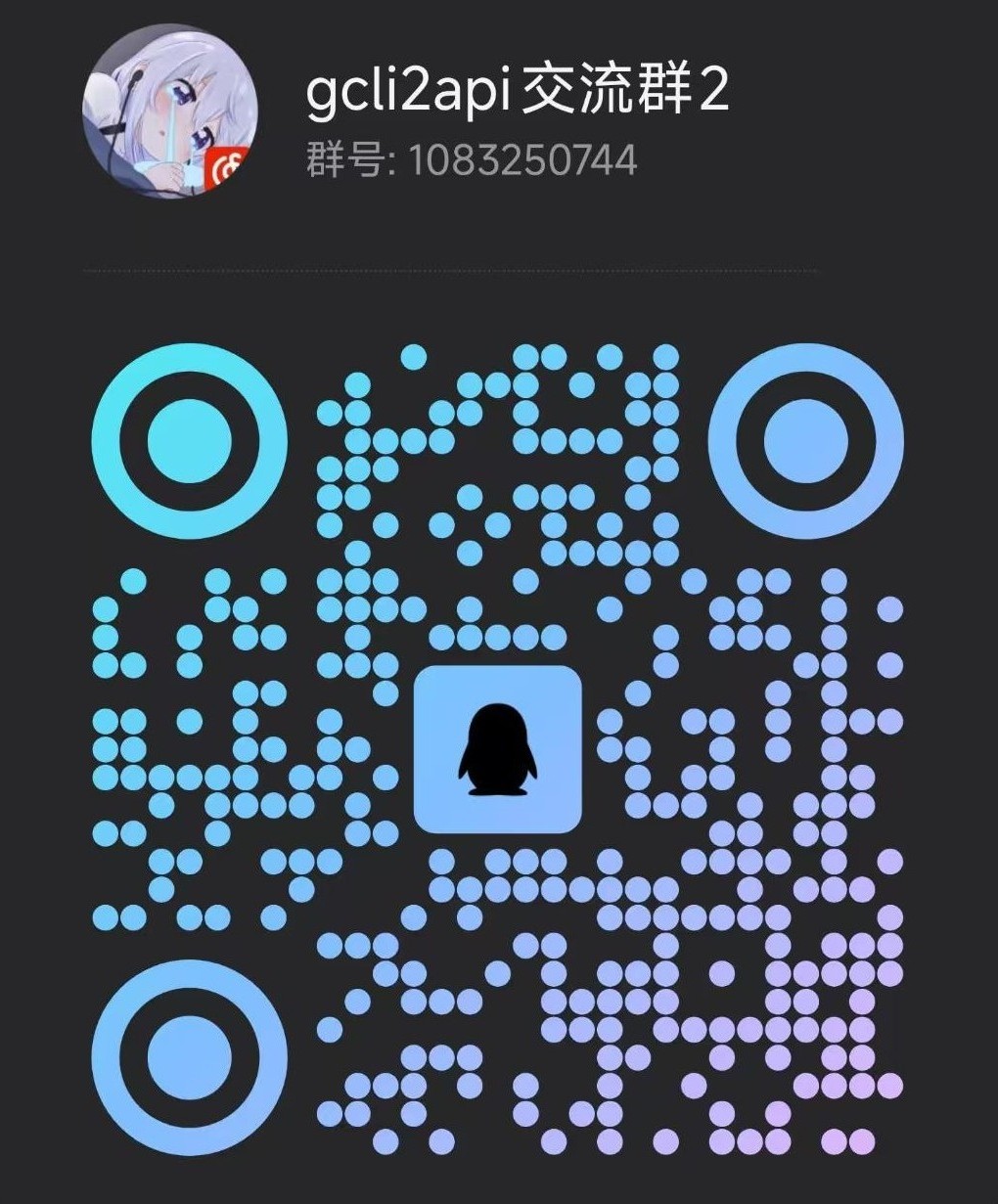
Scan to join the QQ group
Contact us
• Problem feedback Submit questions and suggestions via GitHub Issues
• Feature Requests Discuss new features in GitHub Discussions
• Code Contributions: Welcome to submit a Pull Request improvement project
• Well-documented: Help improve project documentation and usage guides
GitHub: https://github.com/su-kaka/gcli2api
⚠️ No Commercial Use and Resale - For Learning Use Only ⚠️